RATINGS
0M
DOWNLOADS
4+
AGE

 Download Latest APK
Wait a moment, your result is coming soon!

Face is not found. Please try again with another clear full-face portrait of a better quality.

Take Quiz Now
Screenshots

About this app
-
 Name Republic Day Photo Frames
 -
 category Photography
 -
 Price 0
 -
 Safety 100% Safe
 -
 Developer SRC Infotech
 -
 Version 7.0
 -
 Target Casual Users
 -
 Update 2025.10.18
Related articles



Core Features
-
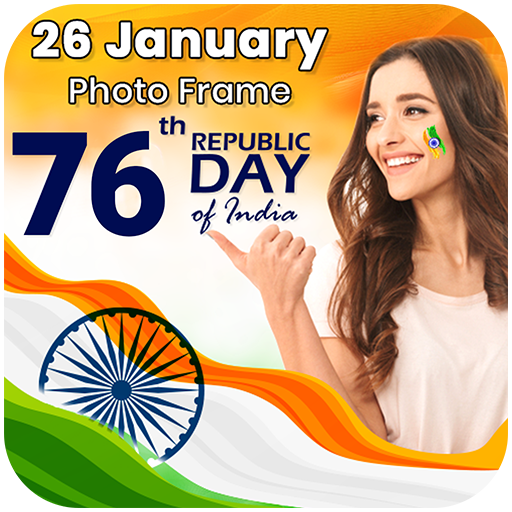
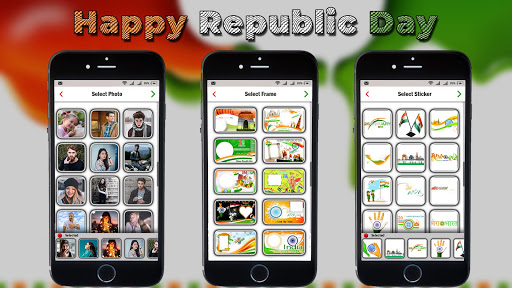
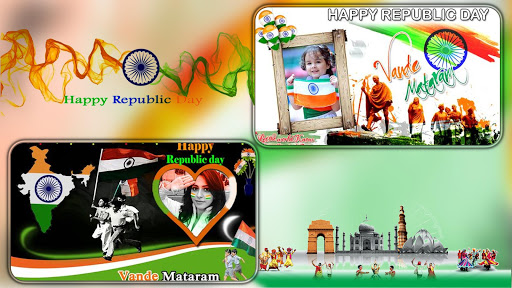
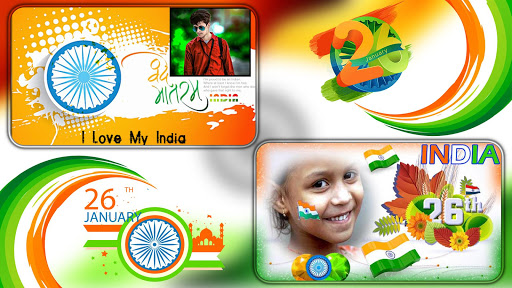
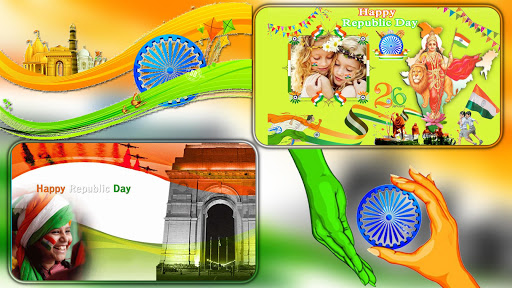
Diverse Photo FramesChoose from a wide variety of Republic Day-themed photo frames that reflect the spirit of the occasion and showcase your patriotic feelings. The frames include Indian flags and other related designs, making your photos truly stand out.
-
User-Friendly InterfaceThe app is designed with simplicity in mind. Its intuitive layout allows users of all ages to easily navigate through the options, ensuring a hassle-free photo editing experience for everyone.
-
Customizable DesignsPersonalize your photos by adjusting the size and color of the frame borders. You can create unique photo compositions by altering patterns, making each creation special and tailored to your preferences.
-
Rich Photo EffectsEnhance your images with a collection of around 15 different photo effects, allowing you to transform your ordinary pictures into extraordinary visual statements that capture the essence of Republic Day.
-
Social Media IntegrationEasily export and share your creations directly to Facebook, Instagram, or Twitter, allowing you to celebrate Republic Day with friends and family through social media.
Pros
-
Free to UseThe app offers all its features for free, enabling users to create beautiful, themed photos without any cost, making it accessible for everyone interested in celebrating Republic Day.
-
Easy Image ImportUsers can select and import pictures easily either from their device's gallery or by taking new photos directly within the app, streamlining the photo editing process.
-
Versatile Text OptionsThe app allows you to add personalized text to your frames with a variety of font styles, sizes, and colors, enhancing your images with creative captions and greetings.
Cons
-
Limited Frame OptionsWhile the app provides a good collection of frames, users may find the options somewhat limited compared to more feature-rich photo editing applications.
-
Performance on Older DevicesUsers on older or low-end devices may experience slower performance, especially when applying multiple effects or working with larger images.
Price
-
Free VersionThe application is completely free to download and use, offering all core features at no cost, perfectly suited for those with a modest budget.
-
No Premium VersionCurrently, there is no paid version of the app with advanced features, but users looking for more extensive functionalities may need to explore other applications.