RATINGS
690M
DOWNLOADS
4+
AGE

 Download Latest APK
Wait a moment, your result is coming soon!

Face is not found. Please try again with another clear full-face portrait of a better quality.

Take Quiz Now
Screenshots

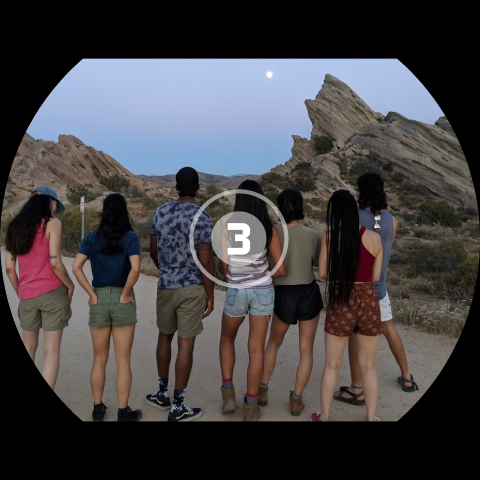
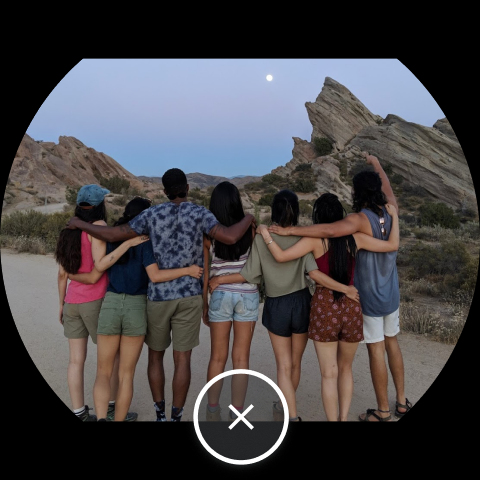
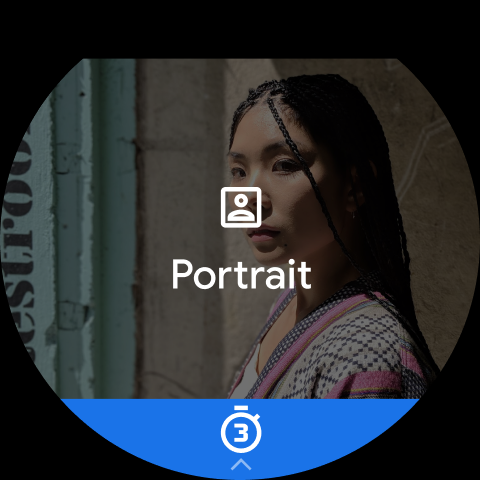
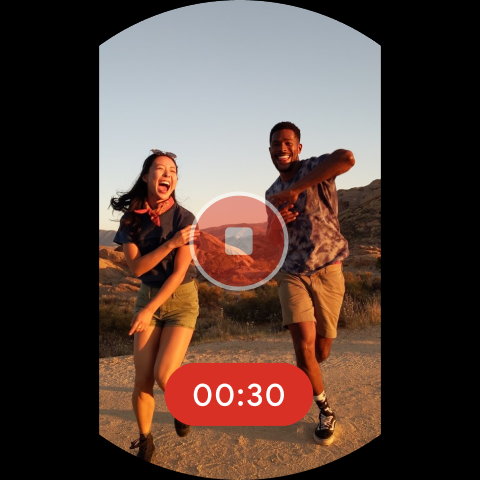
About this app
-
 Name Google Camera
 -
 category Photography
 -
 Price Free
 -
 Safety 100% Safe
 -
 Developer Google LLC
 -
 Version 8.8.224.529100705.13
 -
 Target Casual Users
 -
 Update 2025.06.26
Core Features
-
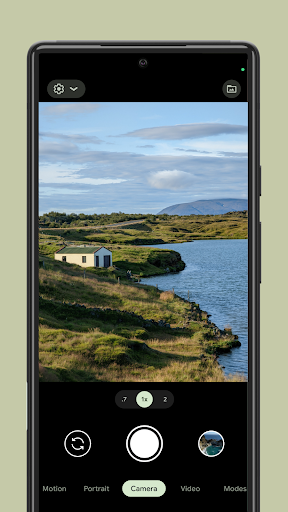
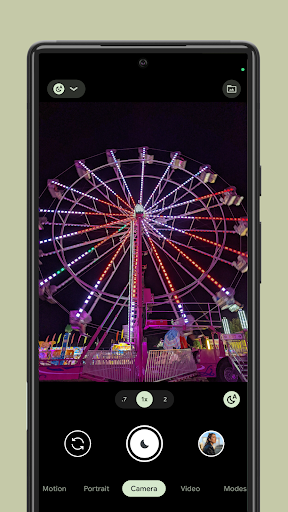
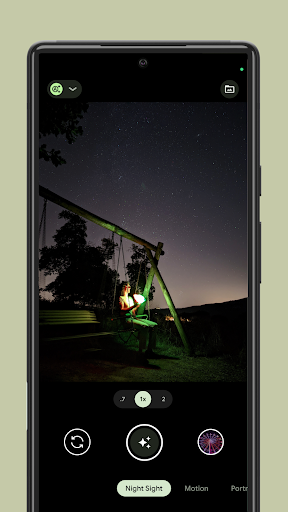
Night SightCapture stunning photos in low-light conditions with Night Sight, which uses advanced computational photography to brighten your images without losing detail.
-
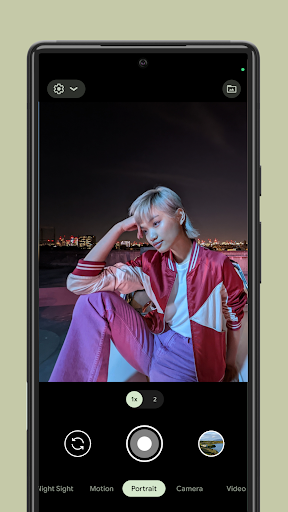
Portrait ModeAchieve professional-looking portraits with blurred backgrounds, allowing you to highlight your subject with precision and clarity.
-
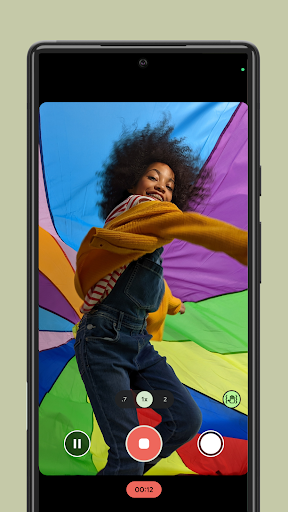
Motion PhotosBring your photos to life with Motion Photos, which captures a short video before and after taking a photo, enhancing your memories with motion.
-
Lens BlurEasily create artistic photos with blurred backgrounds to focus on specific subjects, adding a professional touch to your images.
-
Google Photos IntegrationSeamlessly back up your photos to Google Photos, making it easy to organize, restore, and share your cherished memories.
Pros
-
User-friendly interfaceThe intuitive design makes it easy for users of all skill levels to navigate and utilize its features without confusion.
-
Advanced editing toolsEnjoy a range of powerful editing tools within the app, allowing for quick adjustments to photos without the need for third-party software.
-
Continuous updatesRegular updates ensure access to the latest features and enhancements, keeping the camera experience fresh and innovative.
-
Multi-device supportCompatible with a range of Android devices, maximizing accessibility for users across different smartphones.
-
AI enhancementsUtilizes artificial intelligence to automatically enhance image quality, focusing on exposure and sharpness for optimal results.
Cons
-
Limited to AndroidThe app is exclusively available for Android devices, limiting access for users of other operating systems like iOS.
-
Requires high storageHigh-resolution photo and video capturing can quickly fill up device storage, requiring regular management and offloading.
-
Battery consumptionSome features, particularly Night Sight, can consume significant battery power, potentially limiting usage during long periods.
-
Compatibility issuesNot all features are available on all devices, which may leave some users missing out on premium functions depending on their hardware.
-
Learning curveWhile the interface is user-friendly, some advanced features may require a learning curve for those unfamiliar with photography techniques.
Price
-
Free to downloadGoogle Camera is available for free, offering a rich set of features without any upfront costs.
-
No paid versionThere are no subscription fees or paid features; all functionalities are integrated into the free app.
Ratings
2.9
503.4K votes
-
5
-
4
-
3
-
2
-
1