
RATINGS
131M
DOWNLOADS
4+
AGE

 Download Latest APK
Wait a moment, your result is coming soon!

Face is not found. Please try again with another clear full-face portrait of a better quality.

Take Quiz Now
Screenshots






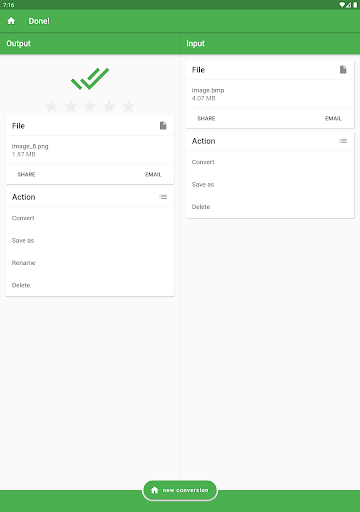


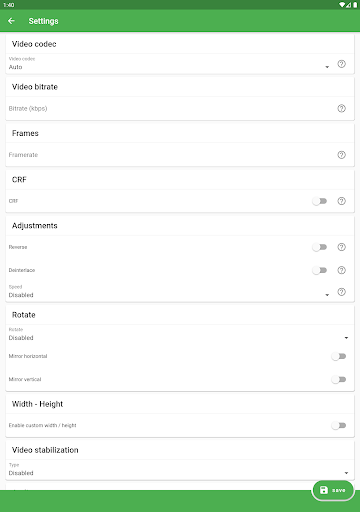


About this app
-
 Name File Converter
 -
 category Tools
 -
 Price 0
 -
 Safety 100% Safe
 -
 Developer Ice Cold Apps
 -
 Version 7.0
 -
 Target Casual Users
 -
 Update 2025.12.10
Related articles


Core Features
-
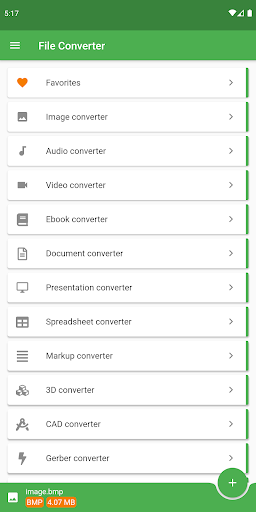
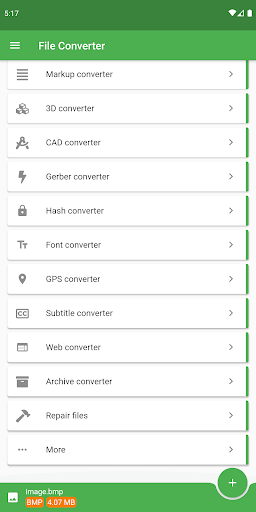
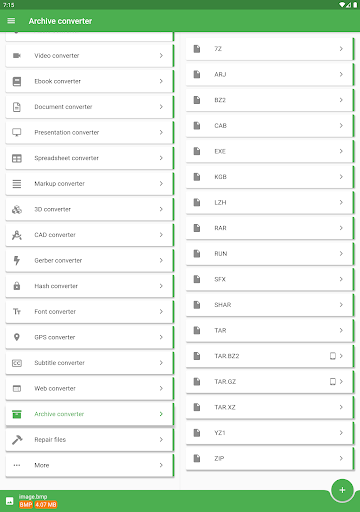
Extensive Format SupportFile Converter supports conversion between over 2000 source formats, covering audio, video, documents, e-books, images, and more. Whether you need to convert an ePub to PDF or an MP4 to AVI, this app has you covered.
-
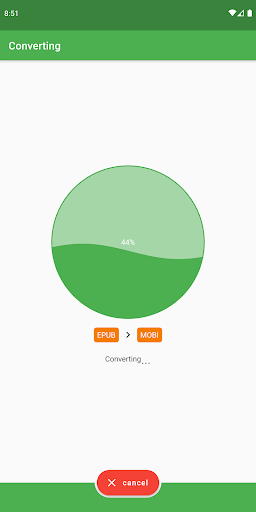
Cloud-based ProcessingThe app performs conversions in the cloud, saving your device's battery while providing faster processing times. You can use your device for other tasks during conversions without interruption.
-
Advanced Editing FeaturesFile Converter isn't just about conversion; it includes options for editing files as well. Users can trim videos, adjust audio bitrates, and utilize OCR for text recognition in documents and images.
-
Multi-format OutputEasily convert files to various formats such as MP3, JPG, DOCX, and STL. This flexibility allows you to cater to multiple needs, whether it's for work, school, or personal projects.
-
User-friendly InterfaceThe app is designed for intuitive navigation, making it easy for users of all skill levels to perform file conversions without a steep learning curve.
Pros
-
Time-saving ConversionThe cloud-based processing ensures that conversions are completed quickly, allowing users to save time and focus on other tasks.
-
Wide Range of FeaturesWith capabilities that extend beyond mere conversion, such as file editing, compression, and metadata handling, the app is a comprehensive tool for managing various file types.
-
Convenient for Mobile UseThe ability to convert files without draining your device's battery is a huge plus, especially for users on the go who need reliable performance without interruptions.
Cons
-
Limited Support for Secured FilesThe app cannot convert secured PDF or ZIP files, which may be a drawback for users needing to work with protected documents.
-
Internet DependencyAs the conversion process relies on cloud services, users must have a stable internet connection for optimal performance. This might limit functionality for those with sporadic connectivity.
Price
-
Free FeaturesFile Converter offers a robust free version that allows for basic conversions and editing capabilities, making it accessible for casual users.
-
Premium BenefitsThe subscription version provides additional features and enhanced capabilities for power users who require extensive conversion tools and faster processing times.
Ratings
3.6
7K votes
-
5
-
4
-
3
-
2
-
1