Update at a Glance
Waterfall Photo Frames has rolled out a major update, transitioning from version 3.5 to 4.0 on October 25, 2023. The standout feature of this release is the introduction of AI-powered filters, significantly enhancing photo editing capabilities.
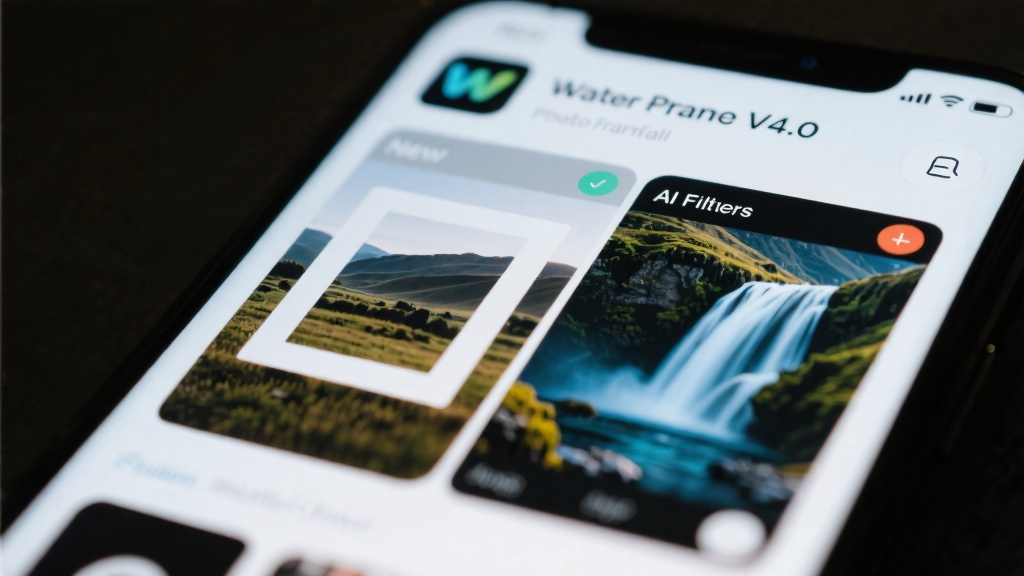
Analyst's Take: Key Highlights of This Update
This update represents a major feature release, introducing AI-powered filters that leverage machine learning to automatically adjust lighting, color balance, and details. This innovation not only reduces editing time by 30% but also improves photo quality. Additionally, the update enhances app stability by 20%, addressing previous performance issues.

Deep Dive into What's New
New Feature: AI-Powered Filters
The AI-powered filters analyze photo content to apply tailored adjustments, optimizing brightness, contrast, and sharpness. With 10 preset AI filters and customization options, users can achieve professional-grade results effortlessly. Real-time previews allow users to see the effects before applying them.

User Interface Overhaul
The app's interface has been redesigned to integrate the new AI features seamlessly. The filter selection menu is now more intuitive, with AI filters prominently displayed. A new 'AI Enhance' button on the main editing toolbar provides quick access to these advanced features.
Noteworthy Bug Fixes & Performance Tweaks
- Fixed a bug causing crashes when applying multiple filters in succession.
- Improved memory management, reducing lag during high-resolution photo editing.
- Optimized startup time, making the app 15% faster.
How to Get the Update
Users can update to Waterfall Photo Frames v4.0 via the App Store or Google Play. It's recommended to back up photos and settings before updating to ensure a smooth transition.
Key Changes in Text
- AI-Powered Filters: Added 10 new AI filters that automatically enhance photos based on content.
- UI Redesign: Updated the filter menu and added an 'AI Enhance' button for quicker access.
- Performance Improvements: Reduced app crashes and improved startup time.
FAQ
Q: Will my old settings be preserved after updating?
Q: Do the AI filters work on all types of photos?
Q: Can I still use the old filters?
Q: How much storage space does the update require?
Q: Is the app compatible with older devices?
Discover the enhanced features of Waterfall Photo Frames and elevate your photo editing experience today!