Introduction to Sticker.ly - Sticker Maker
What is Sticker.ly - Sticker Maker?
Ever wanted to spice up your messages or social media posts with unique stickers? Sticker.ly - Sticker Maker is here to make that dream a reality. This app is a game-changer for anyone who wants to create professional-looking stickers without needing a degree in design. Its intuitive interface and powerful features make sticker creation a breeze, even if you’ve never designed anything before. Whether you’re a seasoned creator or a complete newbie, Sticker.ly has got you covered.
Why Use Sticker.ly - Sticker Maker?
Why should you choose Sticker.ly? Let me count the ways. First off, you don’t need to be a design pro to use it—perfect for beginners. Second, it’s packed with customization options, so you can create stickers that scream “you.” And lastly, sharing your creations is a snap. Whether you’re sending them via messaging apps or posting on social media, Sticker.ly makes it seamless. It’s like having a personal sticker studio in your pocket.
Getting Started with Sticker.ly - Sticker Maker
How to Download and Install Sticker.ly - Sticker Maker
Ready to dive in? Here’s how to get started: Head over to the Google Play Store or Apple App Store, search for “Sticker.ly - Sticker Maker,” and hit download. Once it’s installed, open the app and let the creativity flow. It’s that simple—no fuss, no hassle.
Navigating the App Interface
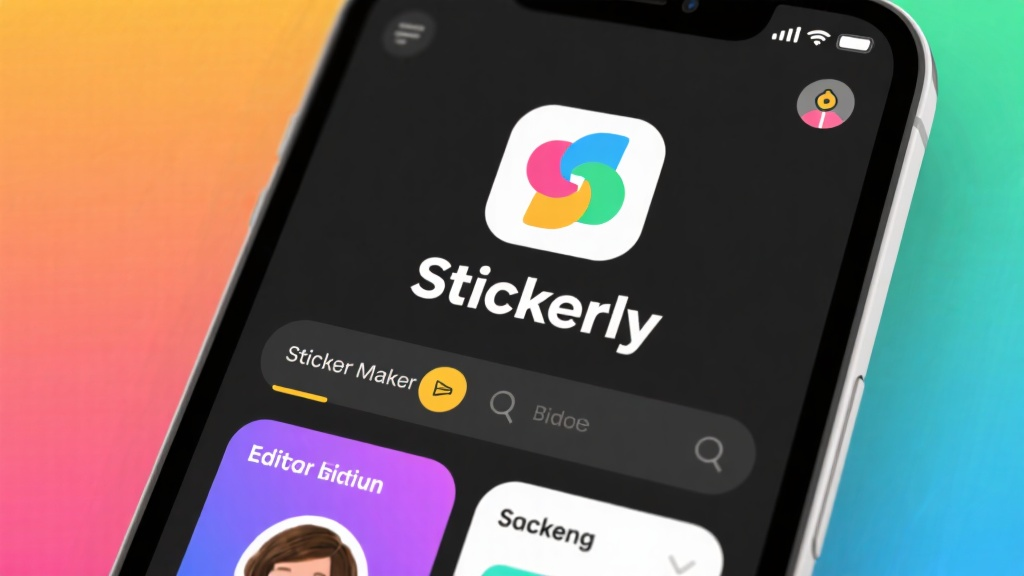
Once you’re in, you’ll find the interface is a breeze to navigate. The home screen is your gateway to all the features—creating, editing, and managing stickers. The toolbar is packed with options for adding text, images, and effects, so you can tweak your stickers to perfection. It’s designed to be user-friendly, so you’ll feel like a pro in no time.
Creating Stickers: Step-by-Step Guide
How to Create Stickers from Photos
Want to turn your favorite photos into stickers? Here’s how: Open the app, tap “Create Sticker,” and pick a photo from your gallery. Use the cropping tool to focus on the part you want, then add text, effects, or decorations to jazz it up. When you’re happy with your creation, save it to your collection for future use. Easy peasy!
How to Customize Stickers with Text and Effects
Customizing your stickers is where the fun really begins. Choose from a variety of fonts, colors, and sizes to add text that pops. Want to take it up a notch? Apply effects like filters, shadows, and outlines to make your stickers stand out. The possibilities are endless, so let your imagination run wild.
How to Export and Share Your Stickers
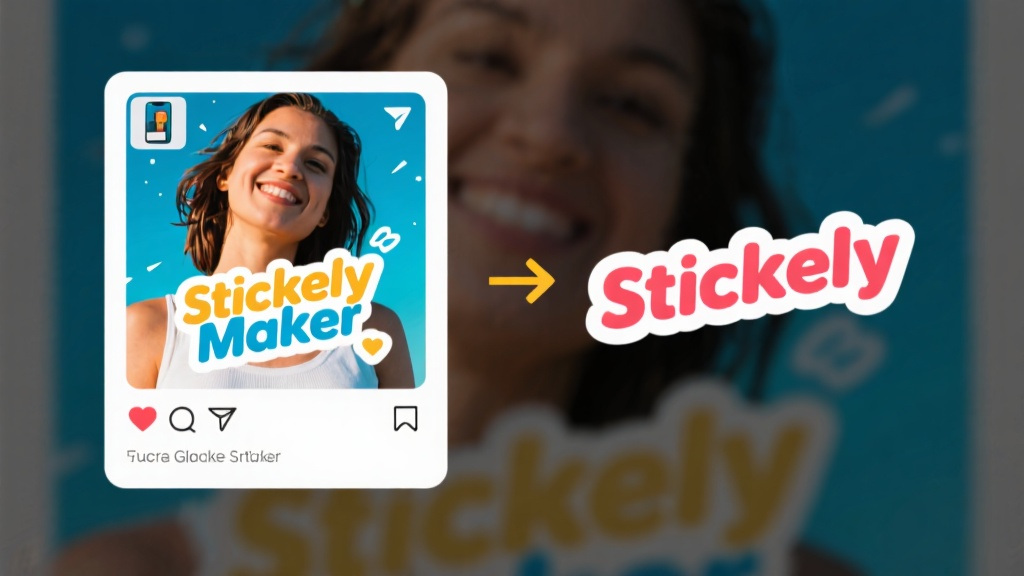
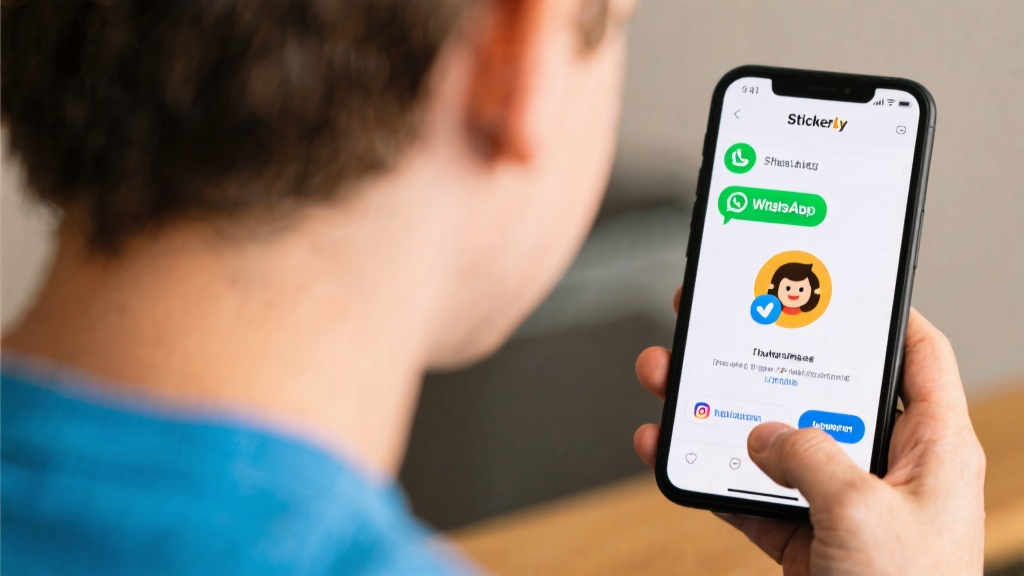
Once your sticker masterpiece is ready, sharing it is a cinch. Go to your sticker collection, select the one you want to share, and tap the share icon. Choose your favorite messaging or social media app, and voilà—your sticker is ready to impress your friends and followers.
Advanced Tips for Professional-Quality Stickers
How to Use Templates for Quick Designs
Short on time? No problem. Sticker.ly offers pre-designed templates that let you create polished stickers in a flash. Just pick a template, customize it to your liking, and save it to your collection. It’s a quick and easy way to get professional results without starting from scratch.
How to Maintain High-Quality Sticker Resolution
To keep your stickers looking sharp, start with high-resolution images. Avoid over-editing, as this can reduce clarity. By keeping your edits minimal and starting with clear photos, you’ll end up with stickers that look polished and professional.
How to Organize Your Sticker Collection
Keeping your sticker collection organized is key to finding what you need quickly. Sticker.ly lets you create folders to categorize your stickers. This way, you can easily locate the perfect sticker for any occasion, saving you time and effort.
Common Mistakes to Avoid
Overcrowding Your Stickers
One common pitfall is cramming too much into your stickers. Keep your designs simple and focused to ensure they’re easy to read and visually appealing. Less is often more when it comes to sticker design.
Ignoring Sticker Dimensions
Another mistake is not checking the recommended dimensions for the platform you’re sharing on. Different platforms have different requirements, so make sure your stickers fit perfectly by checking these guidelines before you start designing.
Using Low-Quality Images
Starting with low-quality images can result in blurry or pixelated stickers. Always use clear, high-resolution photos to ensure your stickers look sharp and professional. It’s a small step that makes a big difference.
FAQ
Q: Can I use Sticker.ly - Sticker Maker without an internet connection?
Q: Is Sticker.ly - Sticker Maker free to use?
Q: Can I create animated stickers with Sticker.ly - Sticker Maker?
Q: How do I delete a sticker I no longer need?
Q: Can I use my stickers on WhatsApp or other messaging apps?
Ready to start creating your own stickers? Download Sticker.ly - Sticker Maker today and unleash your creativity!