Getting Started with MyHeritage
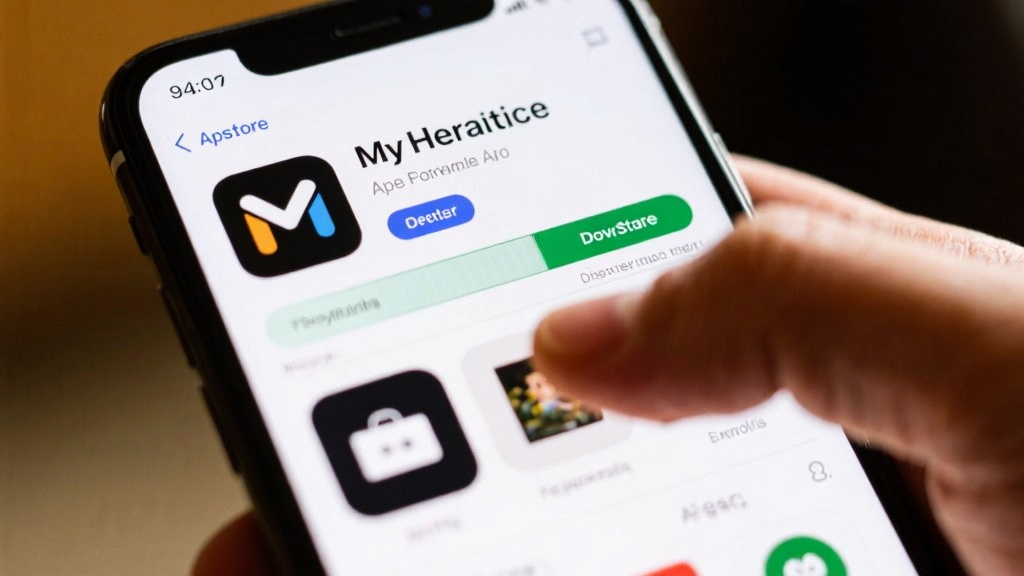
Embarking on your genealogical journey with MyHeritage begins with a few simple steps. First, download and install the MyHeritage app from your preferred app store. Once installed, you can register for a new account by providing basic information and verifying your email address. Alternatively, you can log in using your existing social media accounts for a quicker setup process.
Creating Your Family Tree
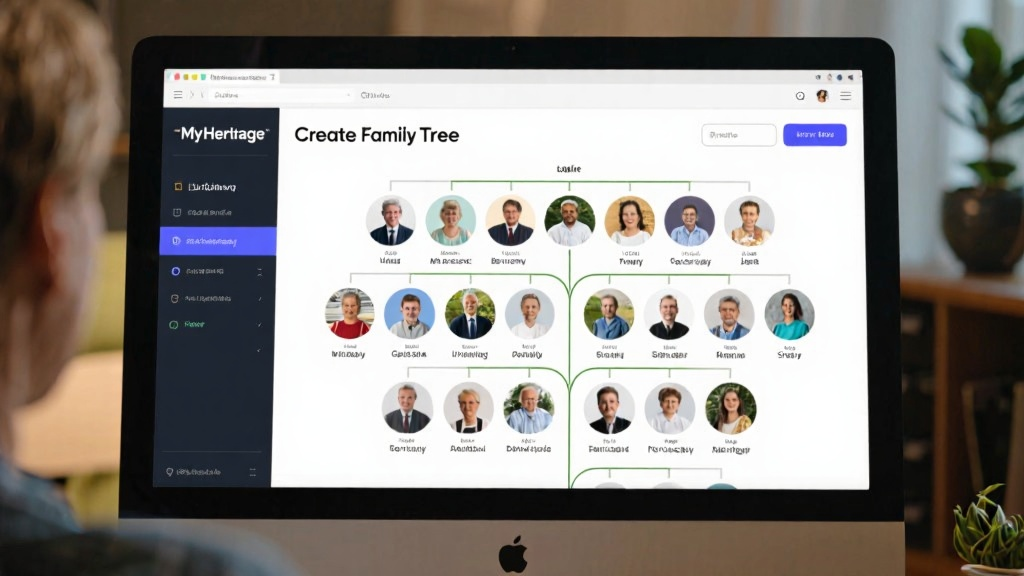
After logging in, the next step is to create your family tree. Click on the 'Create Family Tree' option and input your personal details. You can add family members manually or import a GEDCOM file if you have one. Once completed, save and view your family tree to see the initial structure of your lineage.
Exploring DNA Testing
DNA testing is a powerful feature of MyHeritage that helps you uncover your genetic heritage. Start by understanding the purpose of DNA testing. Order a DNA test kit, follow the instructions to collect your sample, and send it back to the lab. Once processed, you can view your DNA results, which include an analysis of your ethnic origins and a list of potential relatives.
Browsing Historical Records
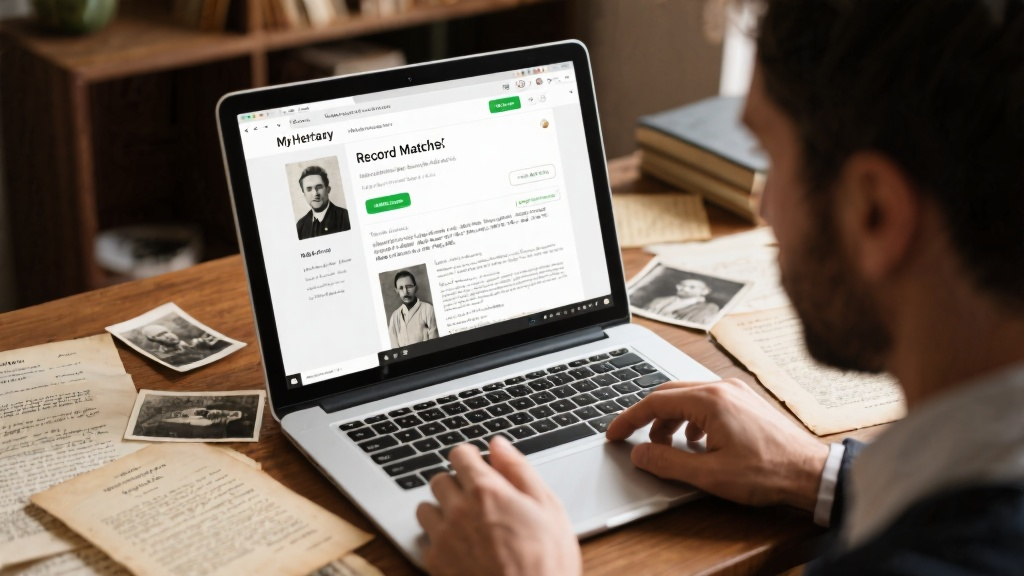
MyHeritage also offers access to a vast database of historical records. Use the search function to find documents, photos, and stories related to your family history. This feature can provide valuable insights into your ancestors' lives and help you build a more comprehensive family tree.

Advanced Techniques
To get the most out of MyHeritage, consider these advanced techniques. Optimize your family tree by adding detailed information and photos, and use the 'Smart Matches' feature to automatically discover potential relatives. Dive deeper into your DNA results by interpreting your ethnic origins and reaching out to matched relatives through the messaging feature.
Utilizing Historical Record Tools
MyHeritage's 'Record Matches' feature automatically links historical documents to your family tree. Save important records to your personal archive for easy access and future reference. This tool can significantly enhance your understanding of your family's past.
Collaboration and Sharing
Invite family members to collaborate on your family tree, allowing them to add and edit information. Share your family tree or DNA results with others, and set access permissions to control who can view or edit your data. This collaborative approach can lead to a more complete and accurate family history.
Practical Application Cases
Here are some real-life examples of how MyHeritage can be used effectively. In one case, a user discovered a long-lost cousin through DNA matching and used the messaging feature to share family stories. Another user utilized the 'Record Matches' feature to find immigration records of a great-grandfather, enriching their family tree. A third example involved a user who invited an uncle to collaborate on the family tree, quickly updating and completing the information.
Common Pitfalls and How to Avoid Them
Be aware of common mistakes when using MyHeritage. One pitfall is ignoring the need to verify information. Always cross-check historical records and DNA results to ensure accuracy. Another mistake is over-reliance on automatic matches. Manually review and supplement any missing information. Lastly, don't overlook privacy settings. Regularly review and adjust these settings to control who can access your data.
FAQ
Here are answers to some frequently asked questions. To recover a forgotten password, click 'Forgot Password' on the login page and follow the instructions. DNA test results typically take 4-6 weeks to process. To delete incorrect information in your family tree, enter edit mode and remove or correct the errors. There is no limit to the number of people you can invite to collaborate on your family tree, but it's advisable to only invite trusted relatives. To cancel a subscription, go to your account settings and follow the prompts under 'Subscription Management'.
Conclusion
MyHeritage is a robust tool for exploring your family history, offering features like family tree creation, DNA testing, and access to historical records. Whether you're a beginner or an advanced user, this guide will help you get started and make the most of MyHeritage's capabilities. Discover your roots, connect with relatives, and uncover the stories that make up your family history.
For additional support, visit the MyHeritage Help Center or contact customer service.