Introduction to MyChart
MyChart is your go-to health management app, designed to simplify and enhance your healthcare journey. Think of it as your personal health assistant, offering tools like appointment scheduling, access to your medical records, direct messaging with your doctors, prescription renewals, and quick access to test results. With MyChart, managing your health becomes effortless and efficient, putting you in control of your well-being.
Getting Started with MyChart
Download and Installation
Ready to dive in? Start by downloading MyChart from the App Store if you’re on iOS or the Google Play Store for Android. Just search for “MyChart,” hit download, and you’re good to go. It’s a quick and easy process that’ll have you exploring the app’s features in no time.
Registration and Login
Once the app is installed, open it up and tap “Register New Account.” You’ll be asked to fill in some personal and medical details. Don’t forget to set a strong password and security questions to keep your health data safe. After that, log in, and you’re all set to start using MyChart like a pro.
Advanced Tips for Using MyChart
Appointment Management
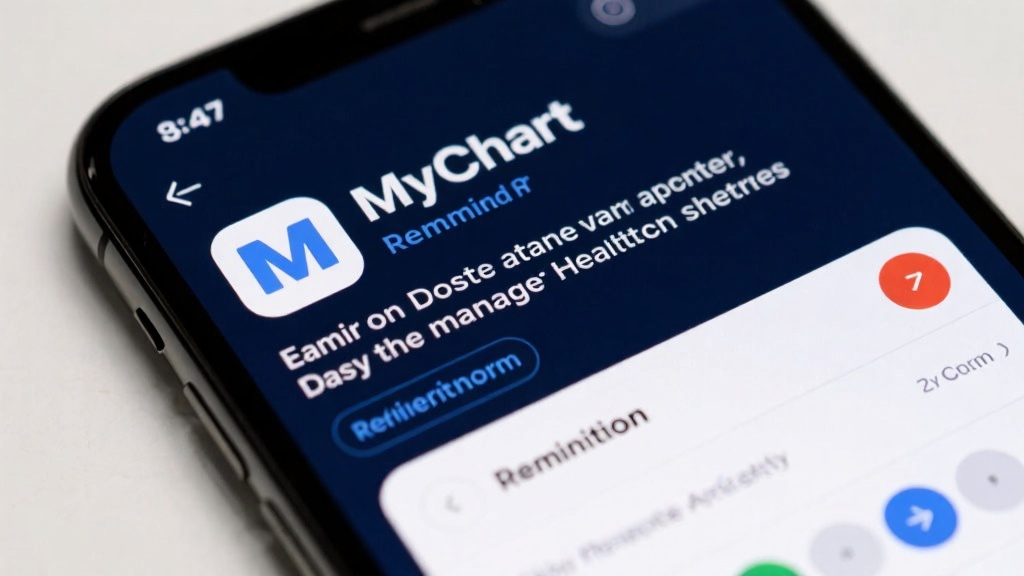
Never miss an appointment again! MyChart lets you set reminders, so you’ll get a nudge a day before your visit. It’s a simple trick that keeps your healthcare schedule on track and stress-free.
Health Record Access
Stay in the know by checking your health records regularly. A quick monthly review can help you stay informed about your health and make timely decisions. MyChart makes it easy—just a few taps, and you’re there.
Messaging with Healthcare Providers
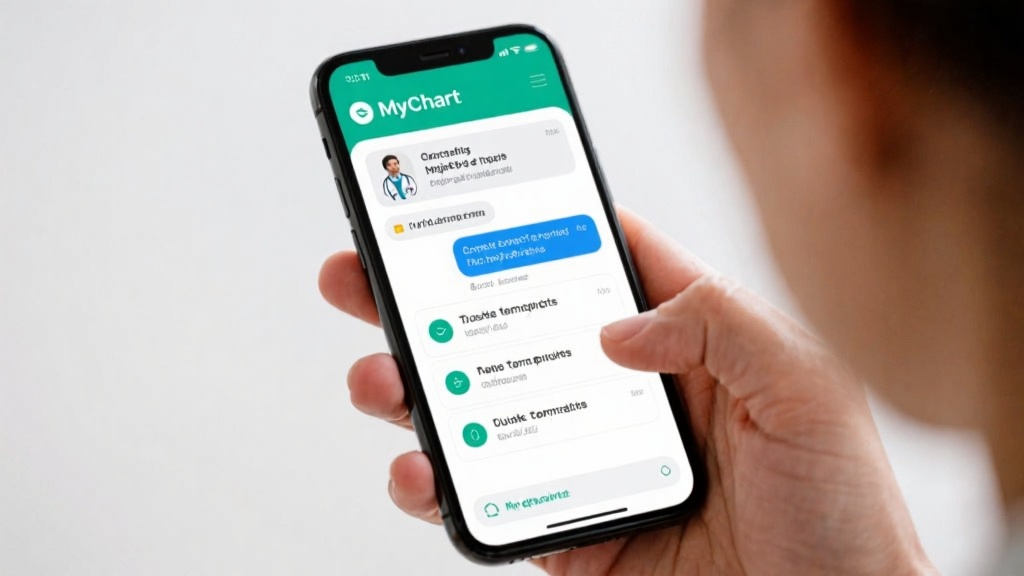
Got a question for your doctor? Use MyChart’s messaging feature to reach out directly. Save time by using pre-made templates for common questions—it’s a game-changer for quick, hassle-free communication.
Prescription Renewals
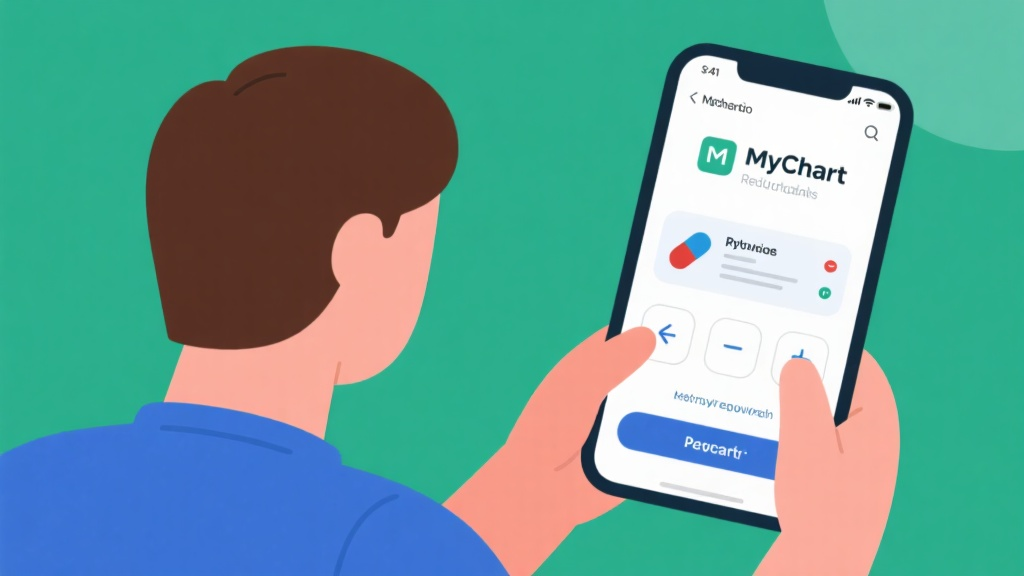
Keep your meds on hand by setting up automatic prescription renewals. This feature ensures you never run out of what you need, making your treatment seamless and uninterrupted.
Test Result Viewing
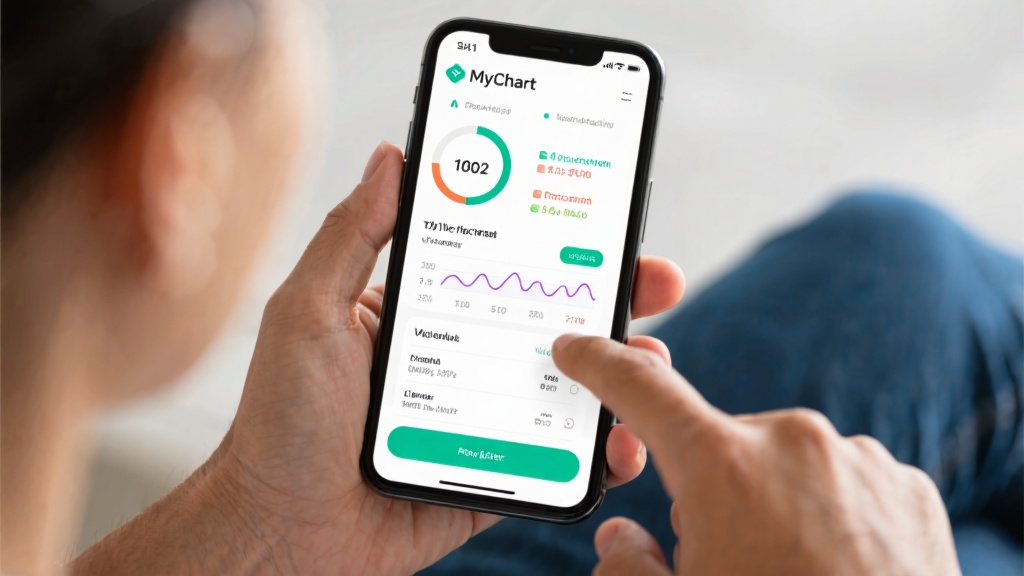
Stay updated on your health by enabling notifications for test results. You’ll get the latest info as soon as it’s available, so you can take action right away if needed. MyChart makes monitoring your health metrics a breeze.
Common Mistakes to Avoid
Neglecting Security Settings
Don’t overlook your account’s security! Regularly update your password and enable two-factor authentication to keep your health information safe. A little effort goes a long way in protecting your data.
Ignoring Health Records
Your health records are a goldmine of information. Make it a habit to review them regularly—it’s the best way to stay informed and catch any potential issues early.
Missing Appointments
Life gets busy, but missing appointments can throw off your healthcare routine. Use MyChart’s reminder feature to stay organized and punctual. A little preparation goes a long way!
Frequently Asked Questions (FAQ)
How to Recover a Lost Password?
Forgot your password? No worries! Just head to the login page, tap “Forgot Password,” and follow the steps to reset it securely. You’ll be back in your account in no time.
How to Contact a Doctor?
Need to reach your doctor? Open the “Messaging” module, select your provider, and send them a message. It’s a quick and easy way to get the answers you need.
How to View Test Results?
Curious about your latest test results? Check the “Test Results” module for updates. It’s the easiest way to stay on top of your health metrics.
How to Renew a Prescription?
Running low on meds? Go to the “Prescription Renewal” module, select the medication, and tap “Renew.” It’s a hassle-free way to keep your prescriptions up to date.
How to Cancel an Appointment?
Need to reschedule? Open the “Appointment Management” module, select the appointment, and tap “Cancel.” MyChart gives you the flexibility to manage your schedule with ease.
Detailed Steps for Appointment Management
Managing appointments with MyChart is a breeze. Open the app, head to the “Appointment Management” module, and select the appointment you want to manage. Tap “Set Reminder,” choose your preferred time, and confirm. That’s it—you’ll never miss an important healthcare appointment again.
Practical Application of Tips
Imagine this: You’ve got a health check-up next week. With MyChart, you set a reminder for the day before, and boom—you get a notification. It’s a small step that makes a big difference, helping you prepare and stay on top of your health. MyChart is designed to make your healthcare experience smoother, simpler, and more effective.
Ready to take control of your health? Download MyChart today and experience the convenience of managing your healthcare in one place!