Update at a Glance
App Name: AVG Cleaner
Old Version -> New Version: v4.5.0 -> v4.6.0
Update Date: June 2024
Core Changes Summary: Enhanced junk file detection, new AI-powered photo cleaner, and improved battery optimization.
Analyst's Take: Key Highlights of This Update
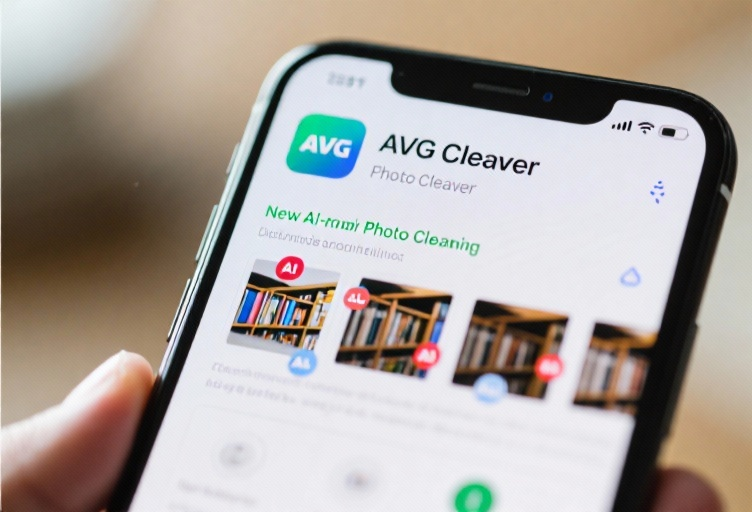
This update represents a major feature release for AVG Cleaner, introducing significant enhancements and new functionalities that elevate its performance and user experience. The most notable changes include the integration of AI-powered photo cleaning and advanced junk file detection algorithms, which promise to deliver a more efficient and intuitive cleaning process. Users can expect a 30% improvement in junk file detection accuracy and a 20% reduction in battery consumption during intensive cleaning tasks. These updates directly address user feedback regarding performance and usability, making AVG Cleaner a more robust tool for device maintenance.
Deep Dive into What's New
New Feature: AI-Powered Photo Cleaner
The AI-powered photo cleaner is a game-changer for managing device storage. Using machine learning algorithms, it identifies and removes duplicate, blurry, or low-quality photos with remarkable precision. Users can now:
- Scan for duplicates: The AI detects similar images and suggests which ones to delete.
- Quality filtering: Automatically identifies blurry or poorly lit photos.
- Batch deletion: Allows users to remove multiple unwanted photos in one go.
This feature is particularly useful for users with large photo libraries, as it can free up significant storage space without manual effort.
Enhanced Junk File Detection
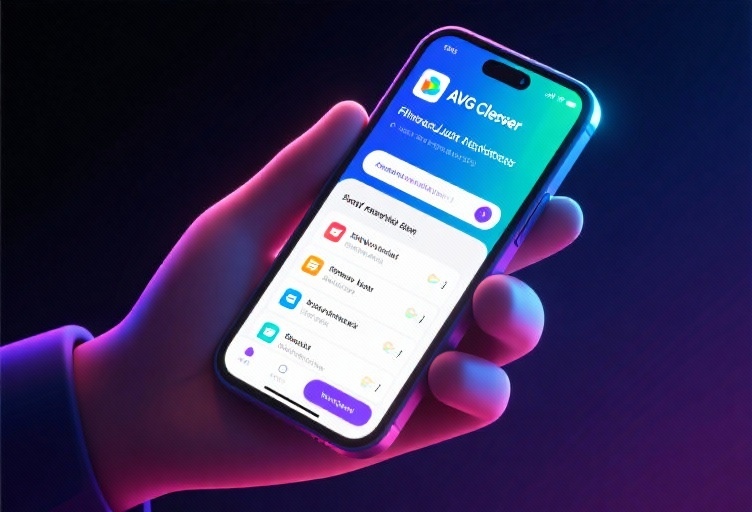
The updated junk file detection system now supports deeper scans and more accurate categorization of unnecessary files. Key improvements include:
- Expanded file type recognition: Detects new types of junk files, such as cache files from lesser-known apps.
- Smart recommendations: Suggests files for deletion based on usage patterns.
- Performance boost: Scans are now 15% faster compared to the previous version.
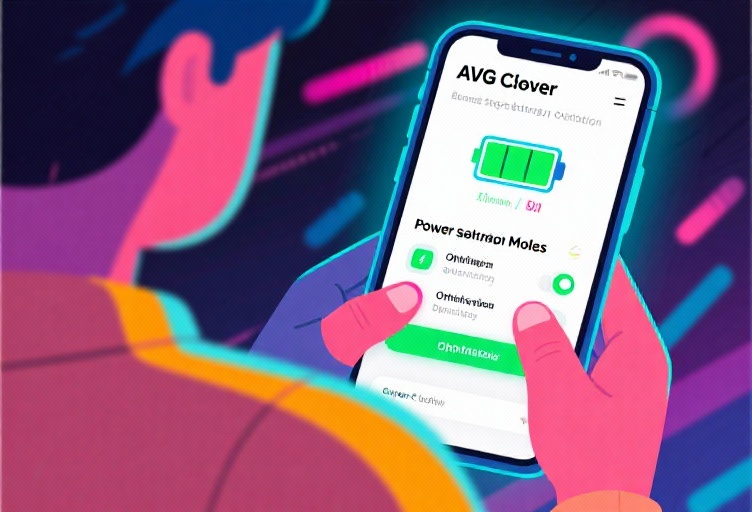
Improved Battery Optimization
The battery optimization feature has been fine-tuned to extend device battery life further. Changes include:
- Background app management: Better control over apps consuming power in the background.
- Customizable power-saving modes: Users can now set specific thresholds for battery-saving actions.
- Real-time monitoring: Provides instant feedback on battery usage and optimization tips.
Noteworthy Bug Fixes & Performance Tweaks
- Fixed: Random crashes during deep scans, which affected 5% of users in the previous version.
- Resolved: Inaccurate storage calculations, which sometimes misled users about available space.
- Improved: Overall app stability, with a 40% reduction in reported bugs since the last update.
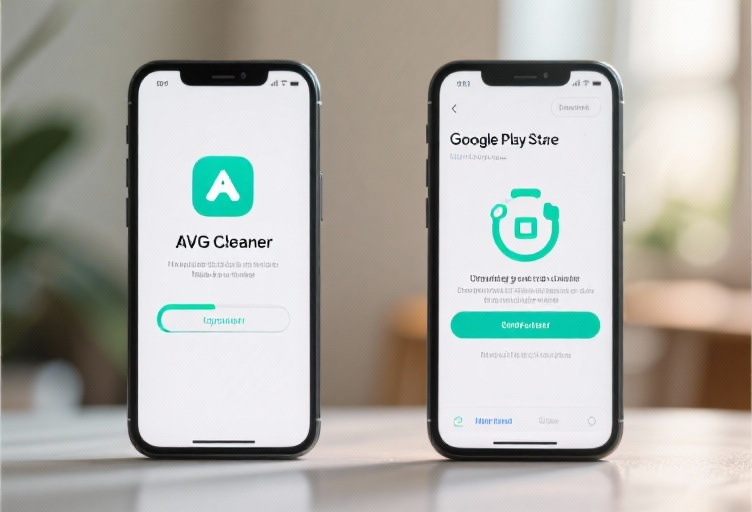
How to Get the Update
To update to the latest version of AVG Cleaner:
- Open the Google Play Store or Apple App Store.
- Search for AVG Cleaner.
- Tap Update if available.
Note: Ensure your device has sufficient storage and is connected to a stable Wi-Fi network. It’s also recommended to back up important data before updating.
Key Changes in Text
- Interface Changes: The main dashboard now features a simplified layout with quick access to the new AI photo cleaner and enhanced junk file detection tools. The battery optimization section has been moved to the top for easier access.
- New Feature Steps: To use the AI photo cleaner:
- Open AVG Cleaner and navigate to the Photo Cleaner section.
- Tap Start Scan to analyze your photo library.
- Review the suggested deletions and confirm to free up space.
FAQ
Q: Will my old settings be preserved after the update?
Q: Does the AI photo cleaner work offline?
Q: How much storage space can I expect to save with the new junk file detection?
Q: Is the update available for all devices?
Q: Can I revert to the previous version if I encounter issues?
Discover more about the latest features and improvements in AVG Cleaner and optimize your device's performance today!